
How do I set up Product Reviews?
Product Reviews is the core of the review module: the review list customers see on your product pages, plus the moderation queue where you publish, verify, and reply to what customers write.
Product Reviews is the core of the review module: the review list customers see on your product pages, plus the moderation queue where you publish, verify, and reply to what customers write.
Before you start
Review widgets render on your storefront through Sledge, so make sure of the following first:
- Sledge Core is enabled on your theme. Sledge Core is the app embed that loads Sledge on your storefront — without it, nothing you configure here reaches your customers. You enable it during onboarding (Enable in theme), or any time via Online Store → Themes → Customize → App embeds → Sledge Core.
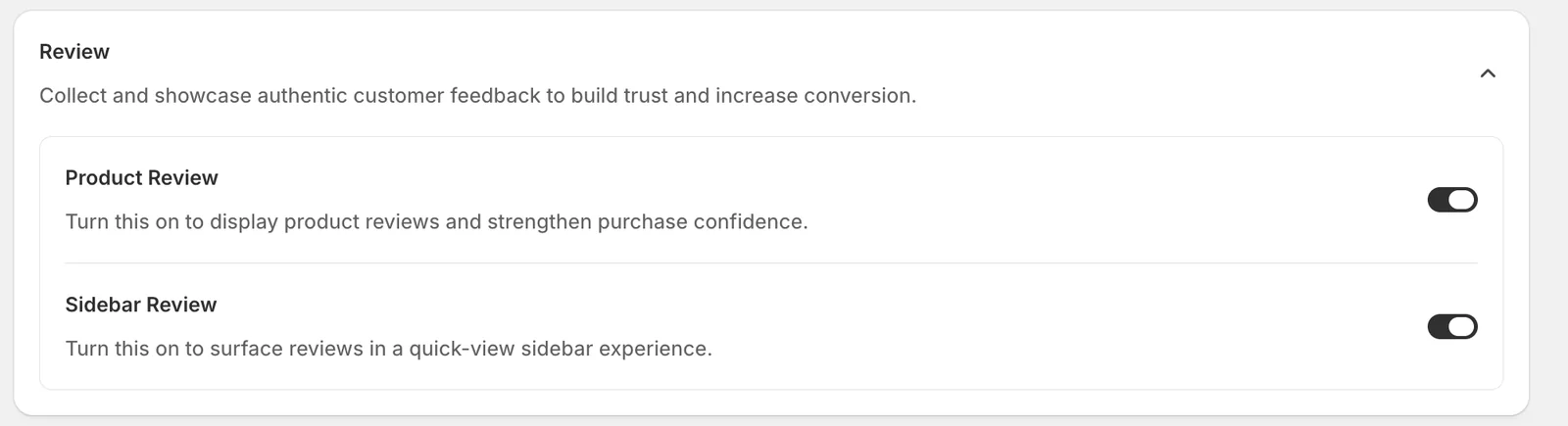
- Product Review and Sidebar Review are turned on. Open Sledge → Tools → Product Review and check the two switches at the top — Product Review renders review content on product pages, and Sidebar Review powers the quick-view review drawer. With them off, the features below have nowhere to render.
Open Product Reviews
Go to Sledge → Tools → Product Review, and under Features click Product Reviews.
Layout
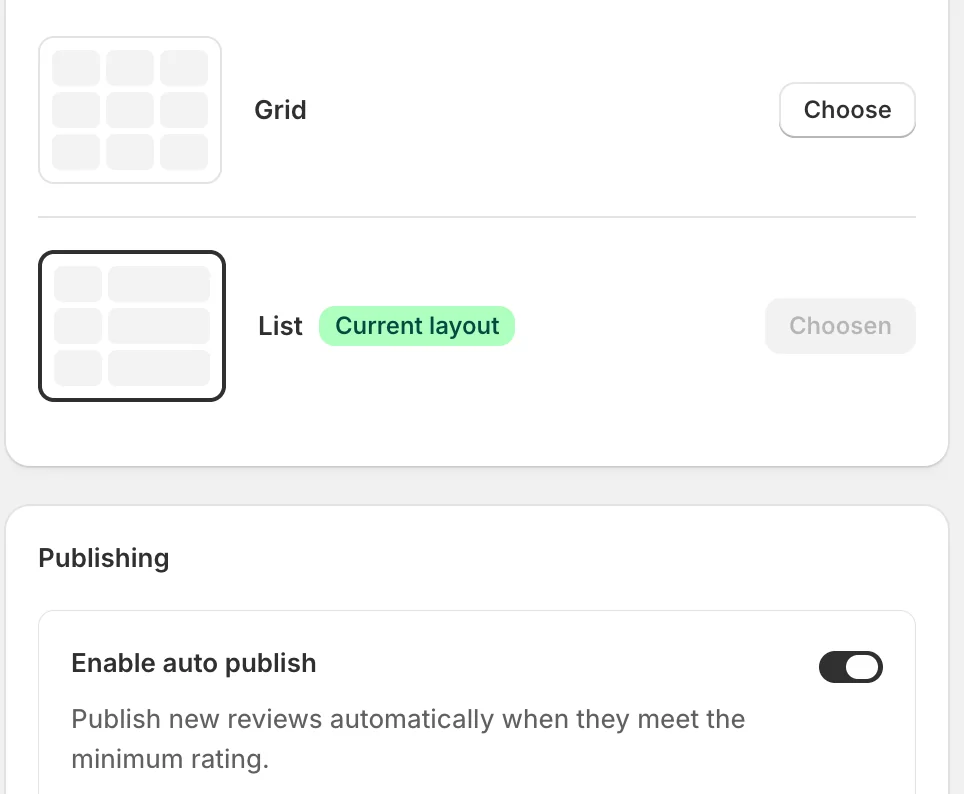
How reviews are displayed on the product page: Grid (cards in columns) or List (stacked full-width, the current choice in the example). Pick with Choose.
Publishing and moderation
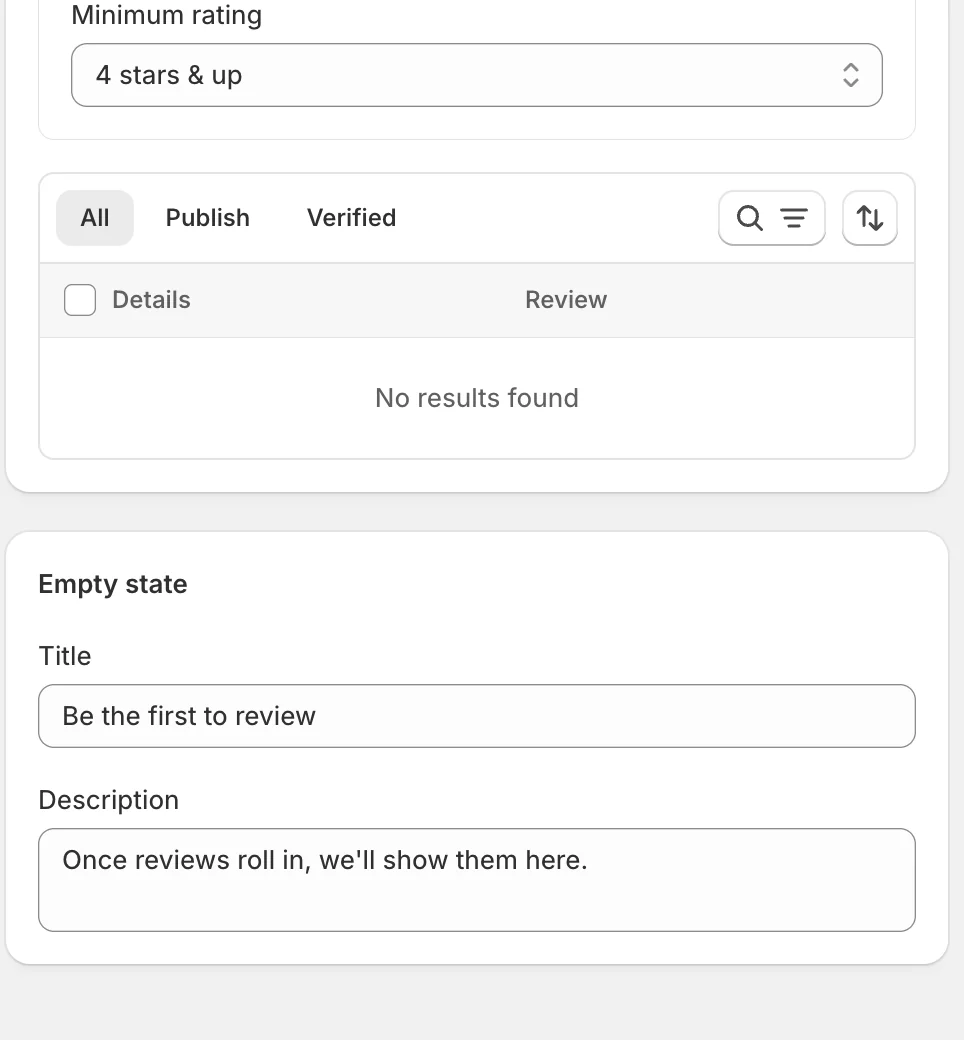
- Enable auto publish — new reviews go live automatically when they meet the Minimum rating (“4 stars & up” in the example). Reviews below the bar wait in the queue for your approval, so criticism never publishes unseen.
- The moderation table — every incoming review, filtered by the All / Publish / Verified tabs, with search and sort. This is where you publish, verify, and reply to reviews once customers start writing them.
Empty state

The Title and Description shown on a product that has no reviews yet — “Be the first to review” invites the first customer instead of showing an empty box.
Status and Preview
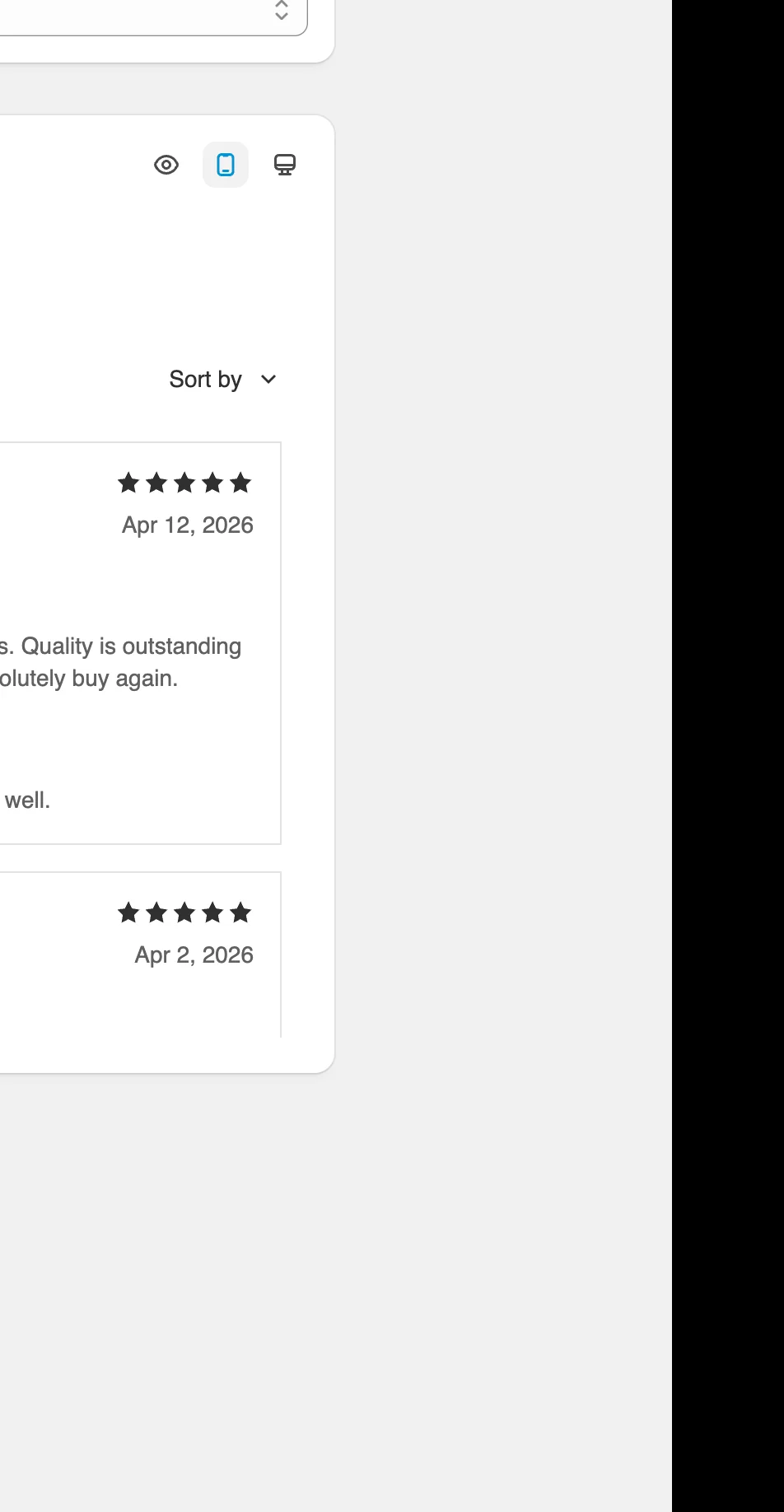
Status turns the widget on; the Preview renders the review list exactly as the storefront library draws it — rating summary, sort control, verified badges, and your replies shown under the review with the Admin tag.
Result
Product pages show the review list in your chosen layout. As reviews come in they flow through the moderation rules you set here — auto-published when they clear the minimum rating, held for approval when they don’t.
Not showing up? Give the change a minute to sync, then reload the page. Also confirm the feature’s Status is Enable, and that Sledge Core, Product Review, and Sidebar Review are switched on as described above.
Related
Last updated on
How do I configure review Display Settings?
Display Settings shapes how review content looks everywhere it appears — how the review list sorts and paginates, and what details each review card reveals. There is no Status here: these settings app
How do I set up review Snippets?
Snippets are one-line review quotes that rotate in a small carousel — a compact dose of social proof for search, collection, and product sections where a full review list would be too much.